
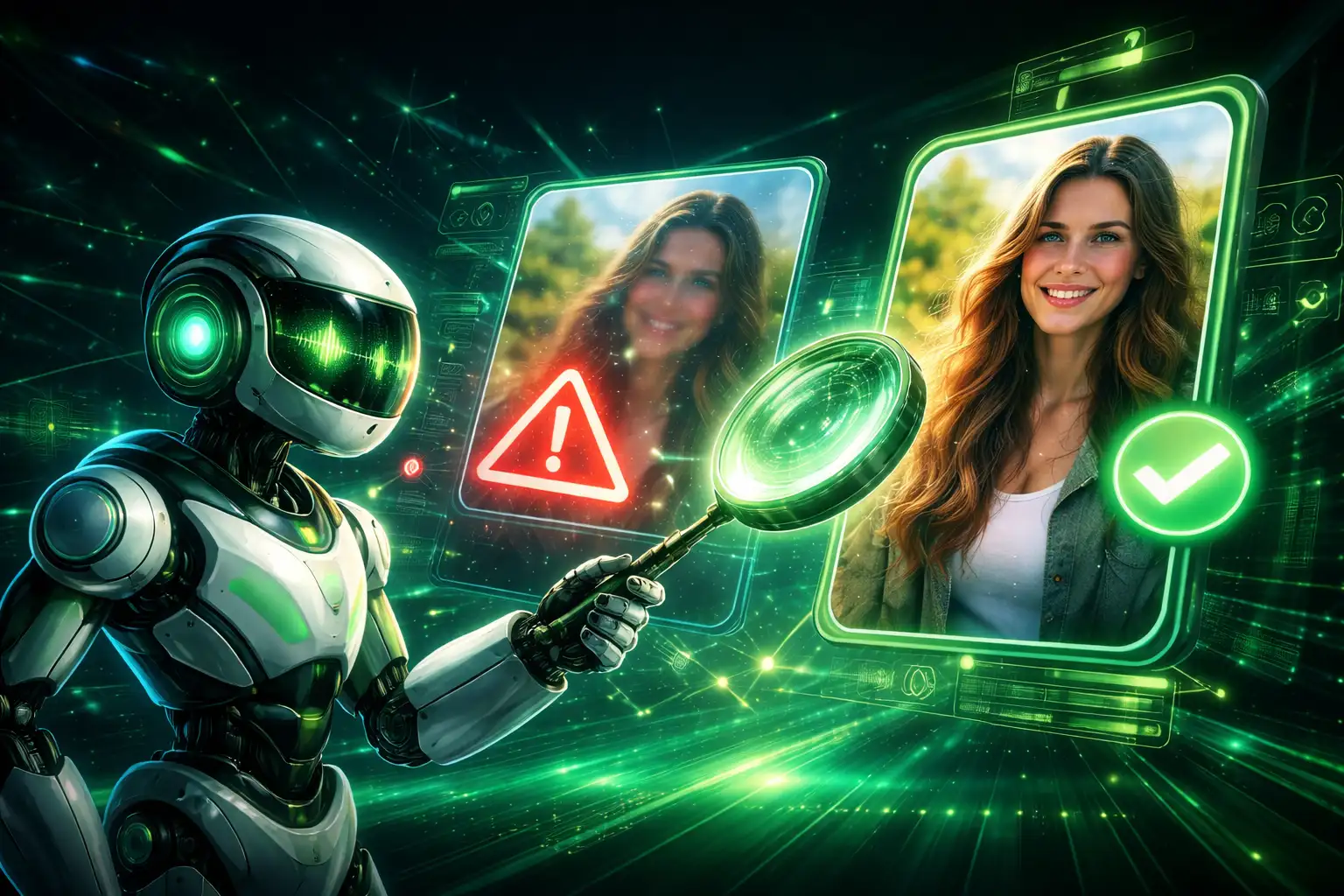
AI image enhancement looks impressive in demos — but what actually changes between the “before” and the “after”? Let’s break it down honestly, without marketing fluff.
Advertisement
What the “Before” Image Usually Looks Like
Most images that need enhancement suffer from:
- Soft focus
- Low resolution
- Compression artifacts
- Loss of fine details
These issues make photos look dull, not broken — which is why fixing them correctly matters.
What AI Changes in the “After” Image
A good AI enhancer doesn’t replace the image. It improves what’s already there.
- Edges become clearer
- Textures look more natural
- Faces regain definition
- Noise is reduced without blurring
Advertisement
What AI Should NOT Change
If AI alters these, it’s doing too much:
- Facial expressions
- Skin tone realism
- Lighting direction
- Original mood
Enhancement should feel invisible.
Why Some Before & After Results Look Fake
Over-processing happens when AI is pushed too hard.
- Excessive sharpening
- Plastic-looking skin
- Invented details
The best results make you forget AI was involved.
How to Judge a Good AI Enhancement
Ask yourself:
- Does it still look like the same photo?
- Are details clearer without looking artificial?
- Would this pass as an original high-quality image?
Advertisement
See the Difference for Yourself
LUNOX focuses on subtle, realistic enhancement — not exaggerated transformations.
Try Before & After Enhancement with LUNOXFinal Thoughts
AI image enhancement isn’t magic — it’s precision.
The best before & after results don’t scream “edited”. They quietly say “better”.