
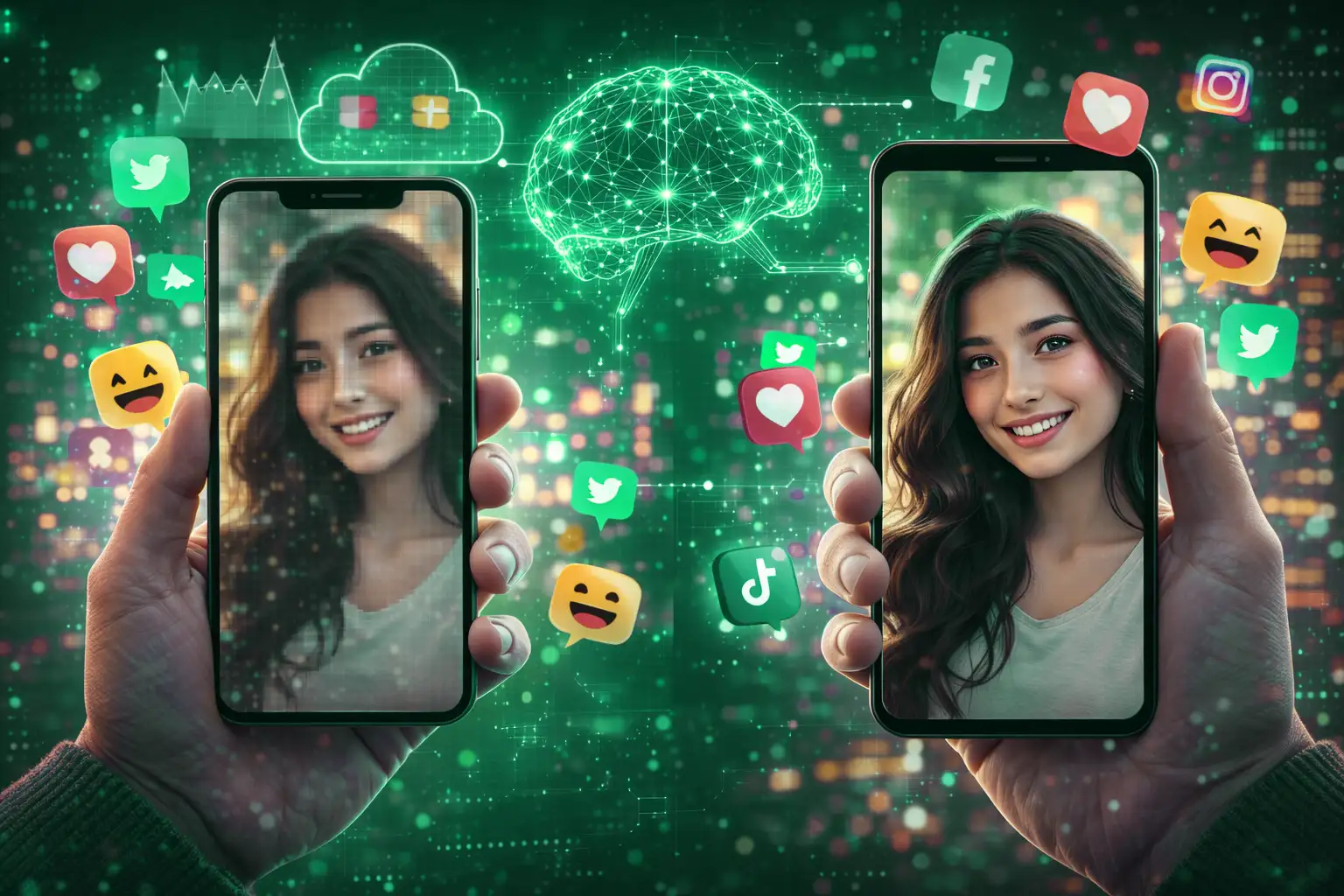
You upload a photo that looks perfect on your phone. Then you check Instagram, WhatsApp, or LinkedIn… and suddenly it looks blurry, noisy, and sad. Don’t worry — your camera didn’t betray you. Social media did.
Advertisement
The Hidden Enemy: Image Compression
Social media platforms compress images to save storage and load content faster. That compression:
- Reduces resolution
- Removes fine details
- Adds blur and artifacts
- Flattens textures
The sharper your image was, the more noticeable the damage becomes.
Why Even High-End Cameras Can’t Escape
You might think, “I used a DSLR, I’m safe.” Unfortunately — no.
Compression doesn’t care how good your camera is. Once uploaded, every image goes through the same shrinking machine.
Why Manual Sharpening Makes It Worse
Many people try to fight compression by sharpening their images before upload. This usually backfires:
- Edges turn harsh
- Skin looks unnatural
- Text becomes jagged
Social platforms compress *again*, amplifying the damage.
Advertisement
How AI Image Enhancement Solves This
AI image enhancement prepares your photo *for* compression:
- Restores clarity without noise
- Balances textures intelligently
- Preserves faces and fine details
Instead of fighting compression, AI works around it.
Best Practices Before Uploading Images
- Enhance clarity (not sharpness)
- Avoid heavy filters
- Use AI upscaling when needed
- Export at platform-friendly resolutions
Does This Matter for Businesses?
Absolutely. Blurry visuals reduce:
- Engagement
- Trust
- Brand quality
Clean images signal professionalism — even on casual platforms.
Advertisement
Make Your Images Social-Media Ready
LUNOX enhances images so they survive compression and still look great after upload.
Enhance Images with LUNOXFinal Thoughts
If your photos look worse after uploading, it’s not your fault. But now you know the fix — and your images don’t have to suffer anymore.