
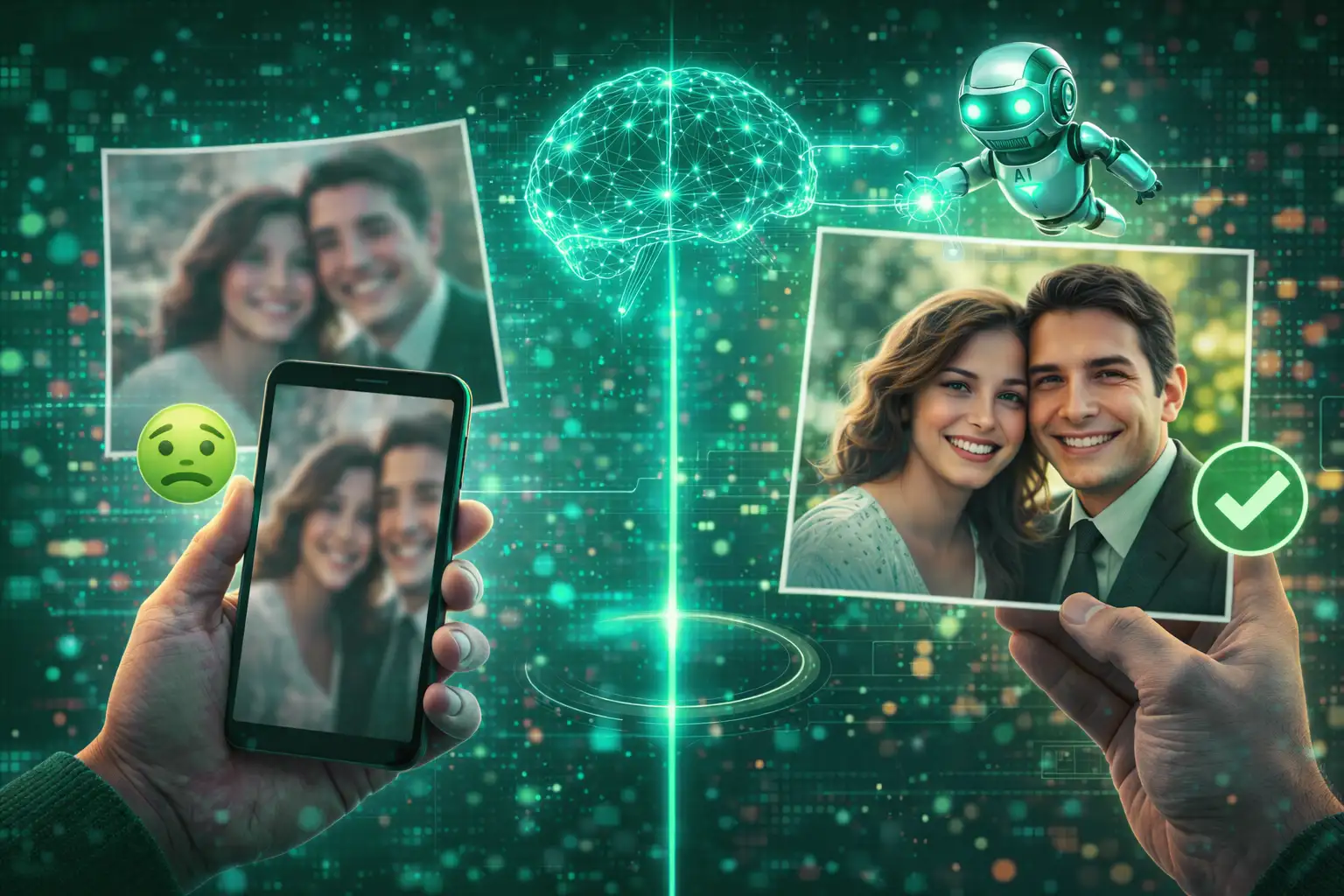
A blurry photo can instantly kill the mood. Whether it’s a precious family memory, an important document, a product image, or a social media post, blur makes images look unprofessional and frustrating. The good news? You no longer need Photoshop skills or expensive software. Today, AI image enhancement can fix blurry photos online in seconds — and yes, it actually works.
Advertisement
Why Do Photos Become Blurry?
Blurry images usually happen due to simple, common reasons:
- Camera shake while clicking the photo
- Low light forcing slower shutter speeds
- Low-resolution images stretched too much
- Heavy compression from WhatsApp or social media
- Old photos scanned with outdated methods
Once blur enters an image, the missing details are gone — and traditional tools struggle to bring them back.
Why Sharpening Blurry Photos Rarely Works
Many people try to “fix blur” using sharpening sliders. Unfortunately, this usually makes things worse. Here’s why:
- Noise becomes more visible
- Edges look harsh and unnatural
- Faces lose skin texture
- Text turns jagged and unreadable
Sharpening only increases contrast — it doesn’t restore lost details. That’s like turning up the volume on a broken speaker.
Advertisement
How AI Image Enhancement Fixes Blur Properly
AI image enhancement works differently. Instead of guessing, AI is trained on millions of real photos. It understands:
- Human faces and skin textures
- Edges, objects, and patterns
- Natural lighting and depth
AI doesn’t just sharpen — it reconstructs missing details intelligently. The result looks natural, not over-edited.
How to Fix Blurry Photos Online (Step-by-Step)
- Upload your blurry image
- Let the AI analyze and enhance it
- Download the improved version
No Photoshop. No sliders. No technical headache. Just upload and let AI do the heavy lifting.
Is AI Image Enhancement Safe to Use?
A common question — and a valid one. Good AI tools process your image securely and don’t reuse it for training. Your photo stays yours.
With LUNOX, images are enhanced privately and are not stored longer than needed.
Who Should Use AI Image Enhancement?
- Social media creators
- Designers and marketers
- Students and professionals
- Anyone restoring old photos
If you want fast, clean, and natural results — AI is the smartest option.
Advertisement
Fix Your Blurry Photos Instantly with LUNOX
LUNOX uses advanced AI to reduce blur while preserving natural details. No over-sharpening. No fake textures. Just clarity.
Try LUNOX AI Image EnhancerFinal Thoughts
Blurry photos don’t need complicated fixes anymore. With AI image enhancement, anyone can restore clarity in seconds. The key is using AI as a smart assistant — not a replacement for creativity.